
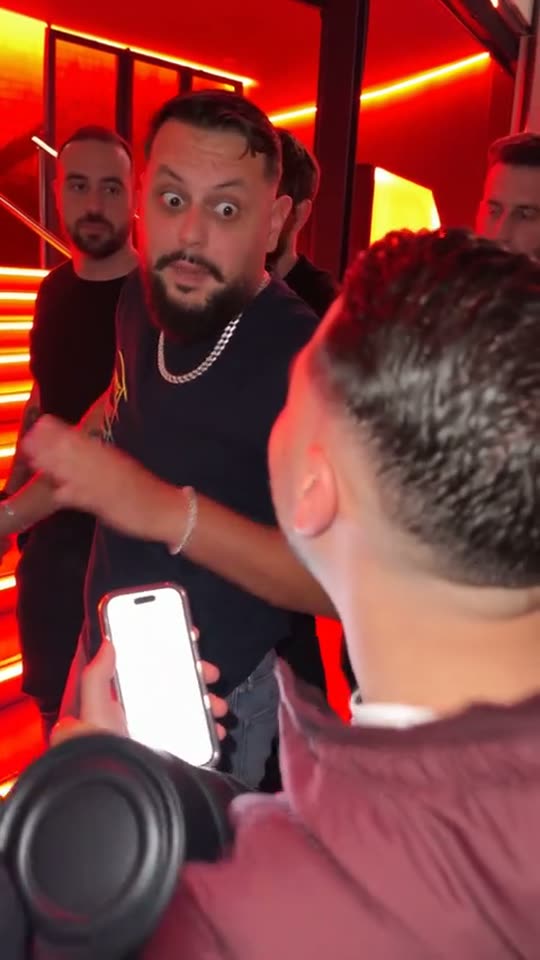
@srjimenez_fan · TikTok
Four steps
- Choose a photo where you look straight at the camera, face clearly visible, alone in the frame.
- Upload it in the generator above.
- Generate. The model puts you into the Bulin 47 clip and keeps the original motion.
- Download the muted clip and post it on TikTok or Reels with the trending sound.
Why the clip goes wrong
| What you see | Likely cause | Fix |
|---|---|---|
| Crew faces change too much | Photo or lighting | Expected for extras; only the lead is identity-locked. Use a sharper lead photo. |
| Faces look warped or mixed up | Photo or lighting | Use sharper front-facing photos with even light. Avoid sunglasses, heavy filters, and extreme angles. |
| Generate button stays locked | Photo or lighting | Buy a credit pack first. Stripe must mark the session paid before /api/generate unlocks (402 until then). |
| Job failed mid-run | Photo or lighting | Credits spent on that job are returned automatically. Try another photo or wait a minute and retry. |
What changes and what doesn't
You change: face, hair, skin tone and build come from your photo. The rest stays: the original motion, camera and timing of the Bulin 47 trend. Outfit usually follows your photo.
Posting tips
- Pick vertical 9:16 for TikTok and Reels.
- Add the trending sound inside the app — TrendShot exports are muted.
- Search hashtags people use for Bulin 47.
More on the trend: the Bulin 47 meme.
Bulin 47 questions
Do I need an app?
No. It runs in your browser. You only need the photo.
Does the export include the original sound?
No. TrendShot exports are always muted — add the sound on TikTok yourself.
What if generation fails?
Failed jobs return credits automatically.